Occasionally users may get the below pop up when accessing STO. When this happens, your login has worked but the site is preventing you from accessing the content within.
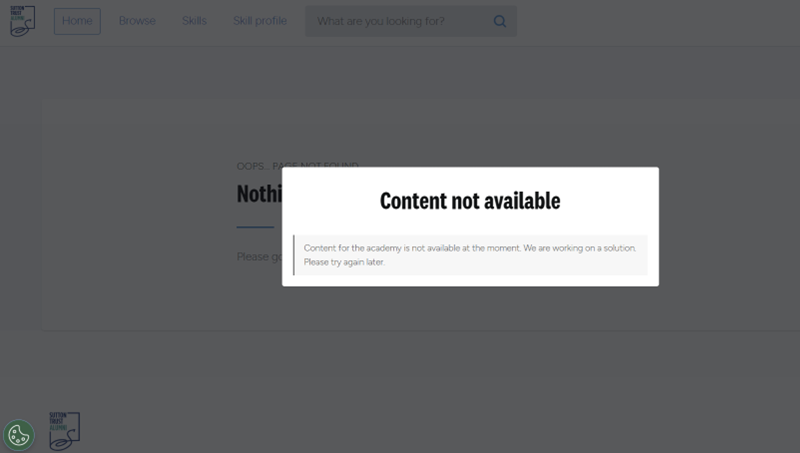
If this happens, please try the following:
- If using Edge browser:
- Go to Settings>Privacy, search and services>Tracking prevention (edge://settings/privacy/trackingPrevention)
- If your settings are set to 'Strict' these will need to be updated to 'Balanced' for the site to work correctly (you may need to contact your school's IT department if on a school computer to edit these)
- If not using Edge browser:
- Clear your cache and cookies
- Close and re-open your Browser
If the above do not work, please get in touch with:
- What email address you are using to log into STO
- What Sutton Trust programme you are on
- A screenshot of the error
- What browser you are using
- What device you are using